


How many times have you taken a photo on a sunny day, only for the subject to be in deep shadow, and the background or sky to be burnt out? Our eyes have the ability to cope with these huge ranges of brightness, and ‘adjust’ accordingly, but sadly even the best cameras are limited in how much they can handle. Expose for the shadows, and the sky will be burnt out – expose for the sky, and the subject will be too dark… If you are adept with Lightroom or Photoshop you can ’tweak’ the various bits of your image, but the effect is limited and often not sufficient to fix an image.
These three photos illustrate the problem – the foreground in the top photo is too dark; the sky in the bottom photo is too light; the middle shot has the best brightness range, but the sky is still a bit light and the foreground clearly too dark and the image lacks ‘punch’.
Graduated filters that fit on the front of your camera lens and just darken one area of the image are one way to control the brightness of the sky. However, filters are expensive, it’s all a bit of a faff to get them lines up, and don’t work very well if you don’t have a clear and straightish line between dark and light parts of your image. If a building is sticking up into the part of the sky you are trying to darken with the filter, then the building too will be darkened and won’t come out well.
Enter the magic of HDR (or High Dynamic Range). The trick is to take several shots, varying the exposure so you record detail in the lightest and darkest areas of the image, and then combine them so all parts of the photo are properly exposed and all the detail in the image is visible. Most modern cameras and smartphones have an HDR facility built-in, so it’s all done automatically for you, but the results aren’t always that good, and you generally don’t have any control over the process.
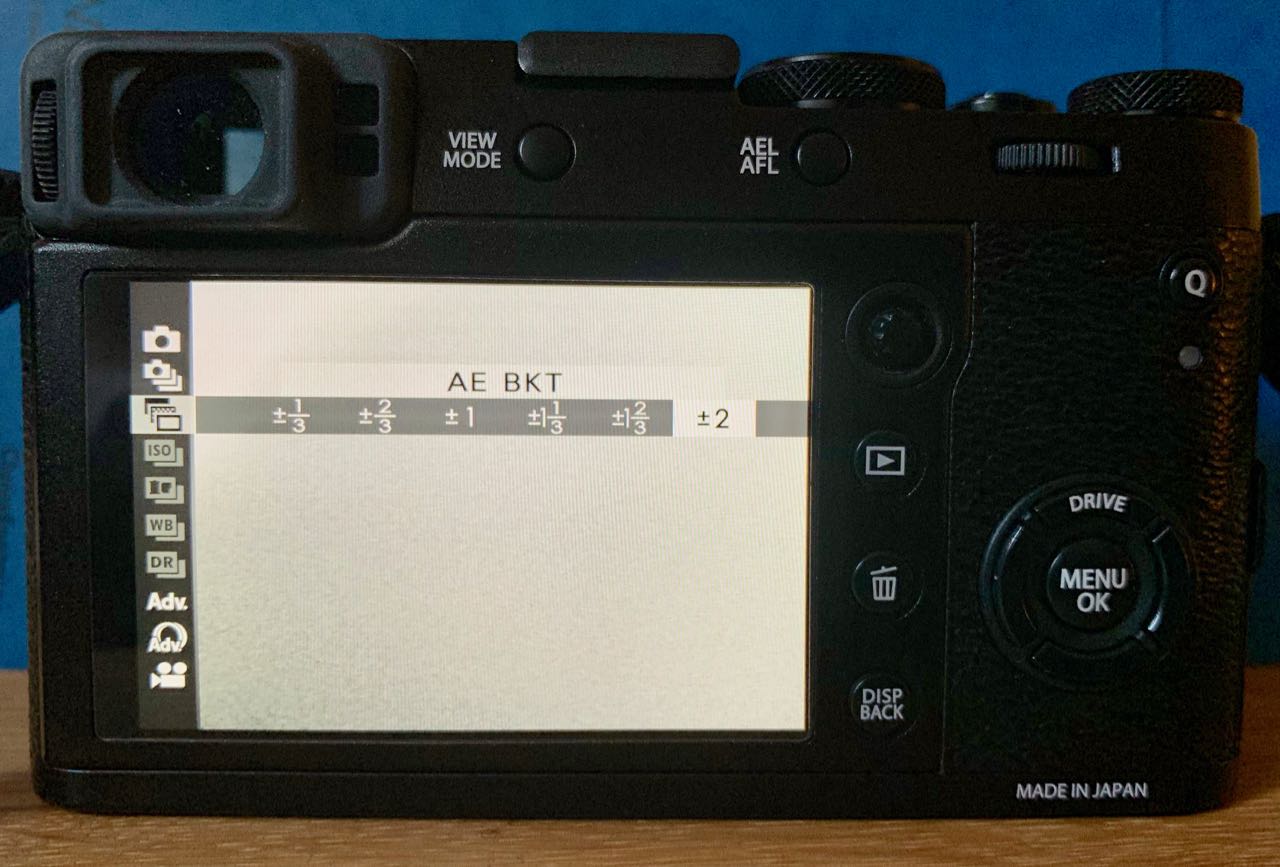 It’s easy enough to do with your camera though, and potentially gives much better results… Start by setting your camera to ‘exposure bracketing mode’ and set the number of exposures and the difference between them. The X100F is limited to just 3 shots, within a range of + or – 1/3rd to 2 stops, whereas my other camera (a Sony A7iii) can take up to 11 shots, not that you really need that many… Then take your 3 photos, keeping the camera as steady as possible – the merge process can compensate for small movements between shots anyway, but keeping the camera still helps. It’s also always worth shooting RAW rather than JPG images as there will be more scope for later adjustments. If you look across the set of three (or more) images you have taken you should be able to see detail in the lightest and darkest areas. If not, then try again, altering the overall exposure compensation up or down a bit.
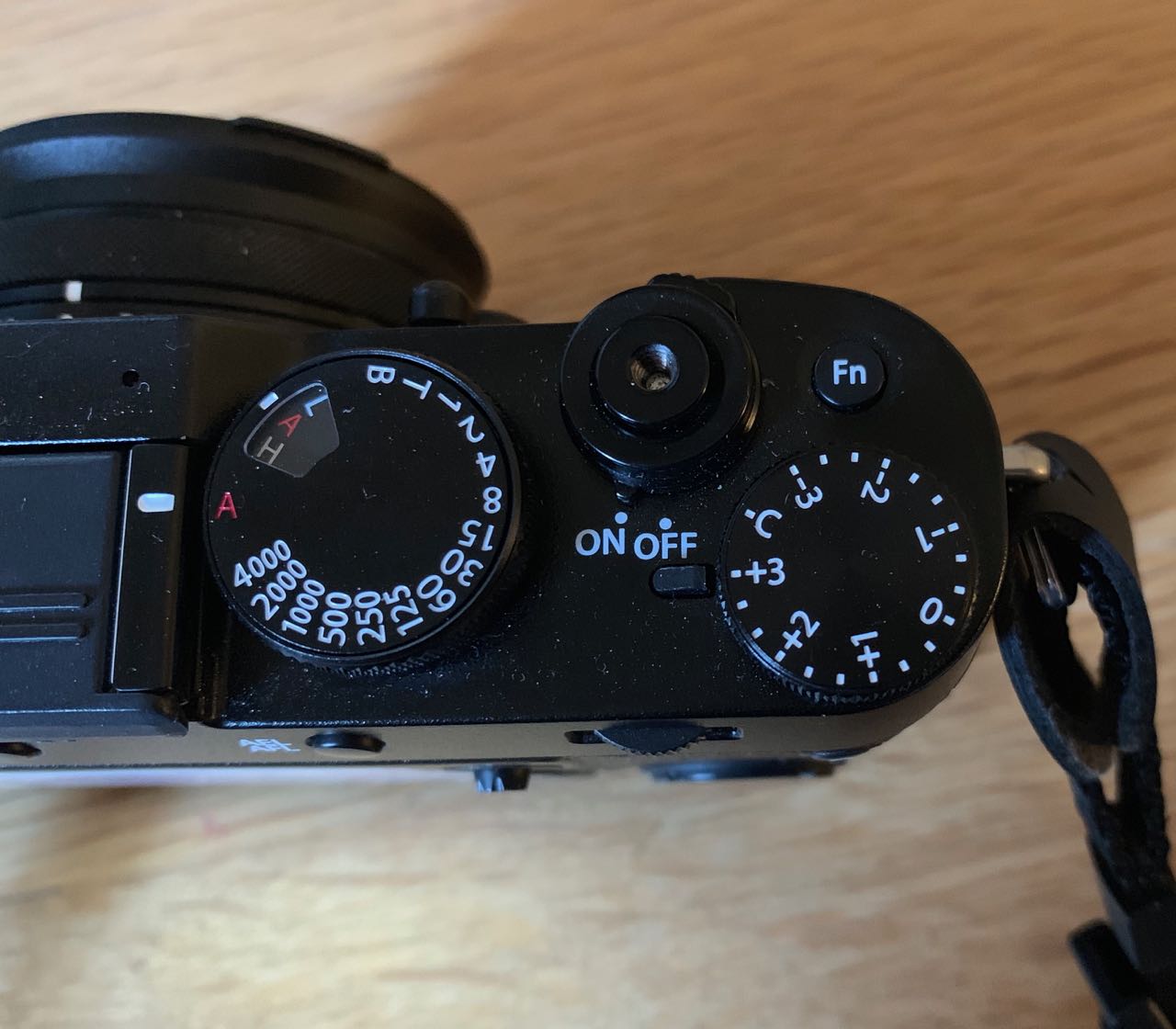 (If you really feel you need more than 3 shots with the X100F, there is a workaround – set the camera as above and take your first three shots, then turn the compensation dial to say, -3 and shoot again, then repeat using +3 – that way you end up with a series of 9 shots covering a wider exposure range. Keep the camera still during this whole process, so it really does mean using a tripod… Then choose maybe 5 or 7 shots that cover the range of exposures from darkest to lightest. Remember that with the X100F you can change exposure compensation by up to +5 and -5 by using the front wheel.)
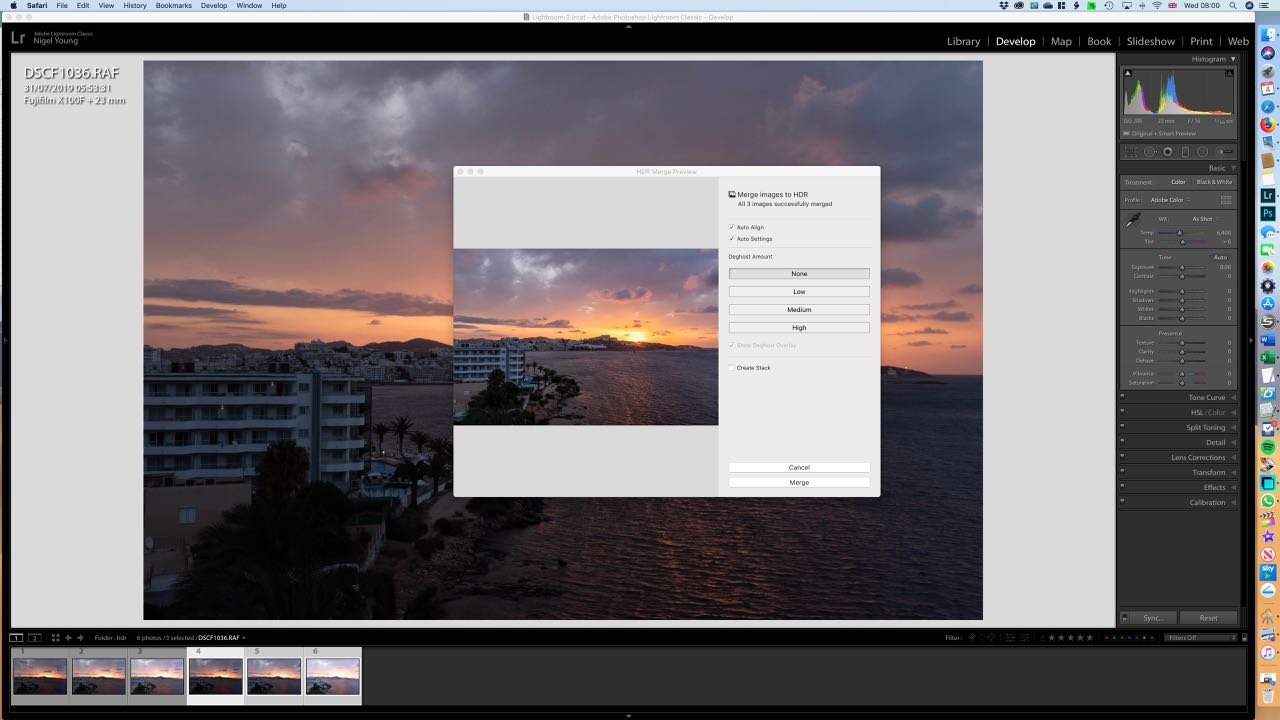 Then import your photos for editing (I always use Lightroom, but there is other software that will do HDR merging). Then select your set of images and right click, select Photo Merge, than HDR. It’ll take a few seconds to create a preview depending on how fast your computer is, and how many photos you are merging. Adjust the options for auto aligning images and adjusting deghosting if necessary and then click ‘merge’ and Lightroom will, in a few seconds, add the new merged image to your filmstrip.

Finished HDR image
The resulting image should capture the widest possible range of tones, and you can make any further minor adjustments in the usual way.
It’s a great way to deal with subjects that would otherwise not turn out well because of the brightness range. It works well on bright sunny days when shadows are really pronounced, and also night time shots, although here of course you’ll definitely need a tripod.
Give it a try – it’s easier than it sounds!
 Hmm, so I may have said I would never sell my X100F, but things change… I decided that it wasn’t really as portable as I wanted, so let it go in favour of the new Ricoh GR3 – similar APS-C sensor, but in body image stabilisation and a touch screen, all small enough to slip in a trouser pocket.

 No such feature on the
  I bought my first X100 camera, an X100S (’S’ for 2nd generation) back in 2014, largely as a result of seeing Todd Gipstein’s wonderful
  To be fair, it did work for me for a while, and a produced some decent enough photos, but inevitably I slipped back into GAS (Gear Acquisition Syndrome) and I figured a second interchangeable lens body would suit me better, so sold the X100S. After about 6 months, I really missed that little camera’s portability and relative simplicity, so picked up what was then the latest 3rd generation X100T, but didn’t end up using it as much as my other cameras, so that too went after a few months!
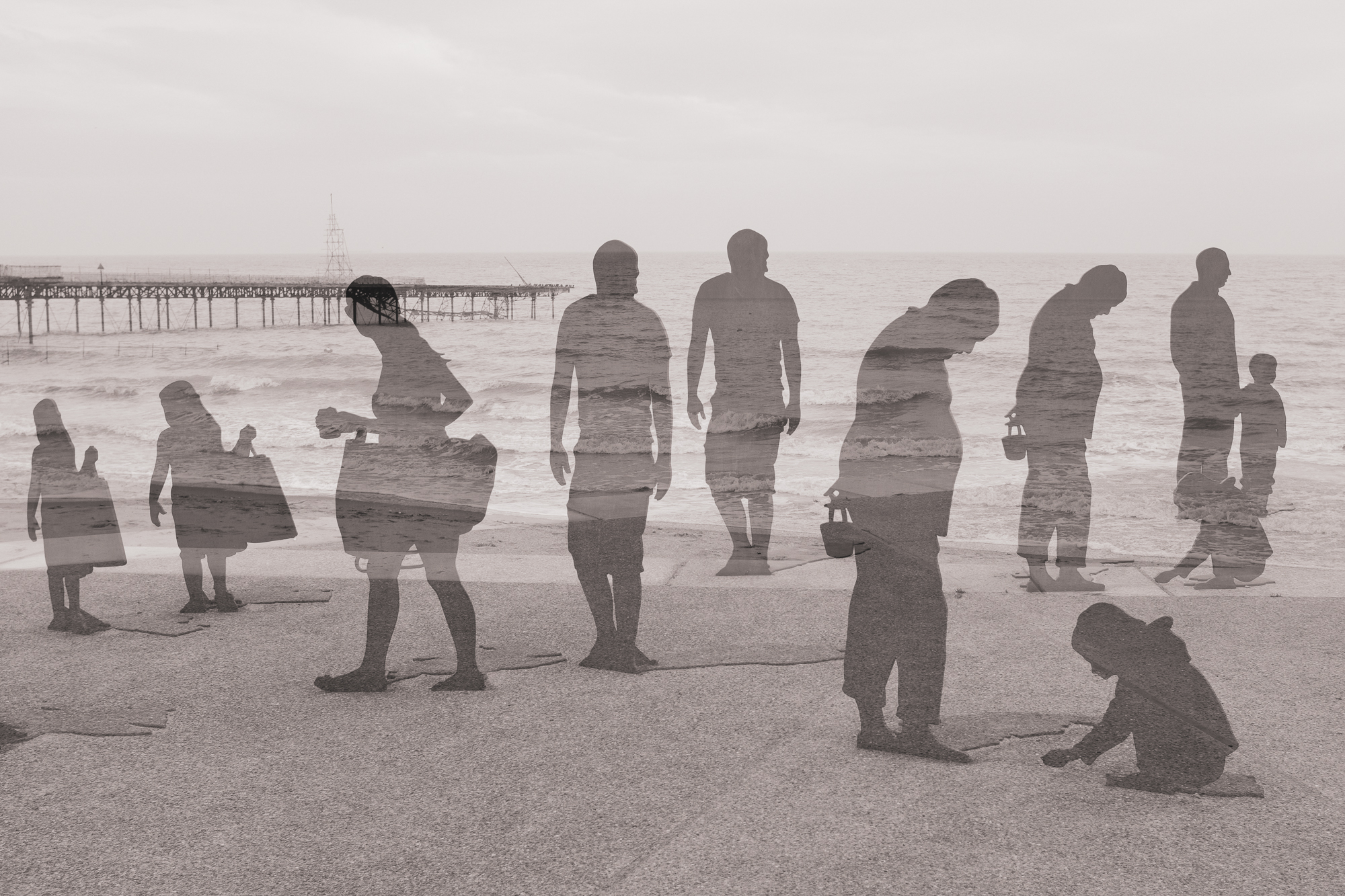 Fast forward to 2017, and I was invited to a launch event for the latest 4th generation X100F, and although very impressed, wasn’t tempted to spend the £1200 asking price. I did however manage to borrow one for a family holiday in France in 2018 as I was looking for something more portable than the Sony A7iii which by then was my main camera. I also had a Sony A6300 – great little camera, but there wasn’t a compact lens for it that delivered really good image quality so I had doubts about it as a travel camera.
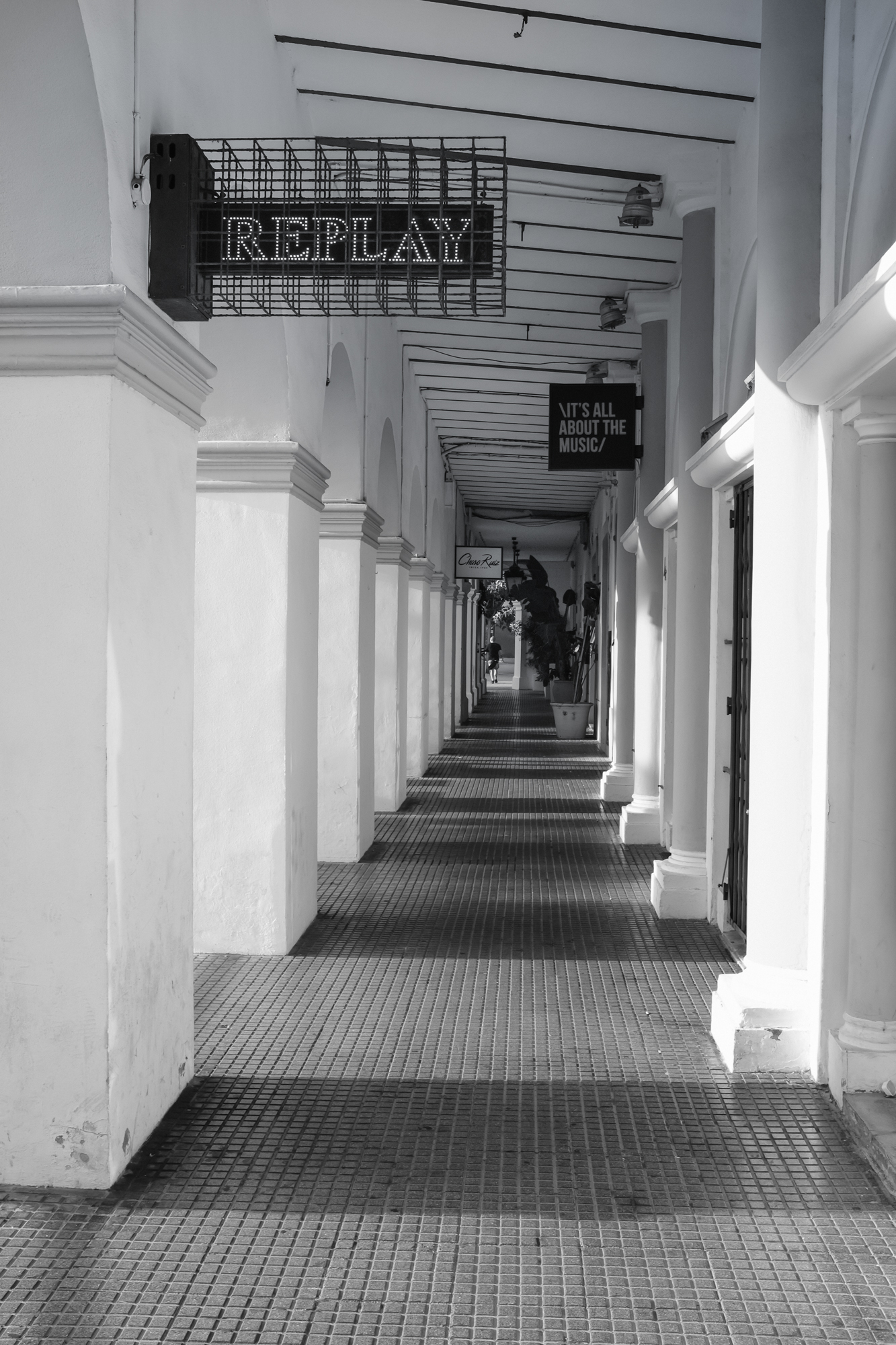 It took me a while to realise that all I really needed was the Fujifilm X100F – small, simple, but capable of great results. No lenses to change, just a lens hood and a couple of spare batteries, and the camera is pretty much pocketable too.
 Life with a Fuji X100 camera