
 Hmm, so I may have said I would never sell my X100F, but things change… I decided that it wasn’t really as portable as I wanted, so let it go in favour of the new Ricoh GR3 – similar APS-C sensor, but in body image stabilisation and a touch screen, all small enough to slip in a trouser pocket.
Trouble was, I found it was actually too small! That, the lack of a proper viewfinder, and a slightly wider than ideal 28mm (equivalent) lens meant it really had to go…
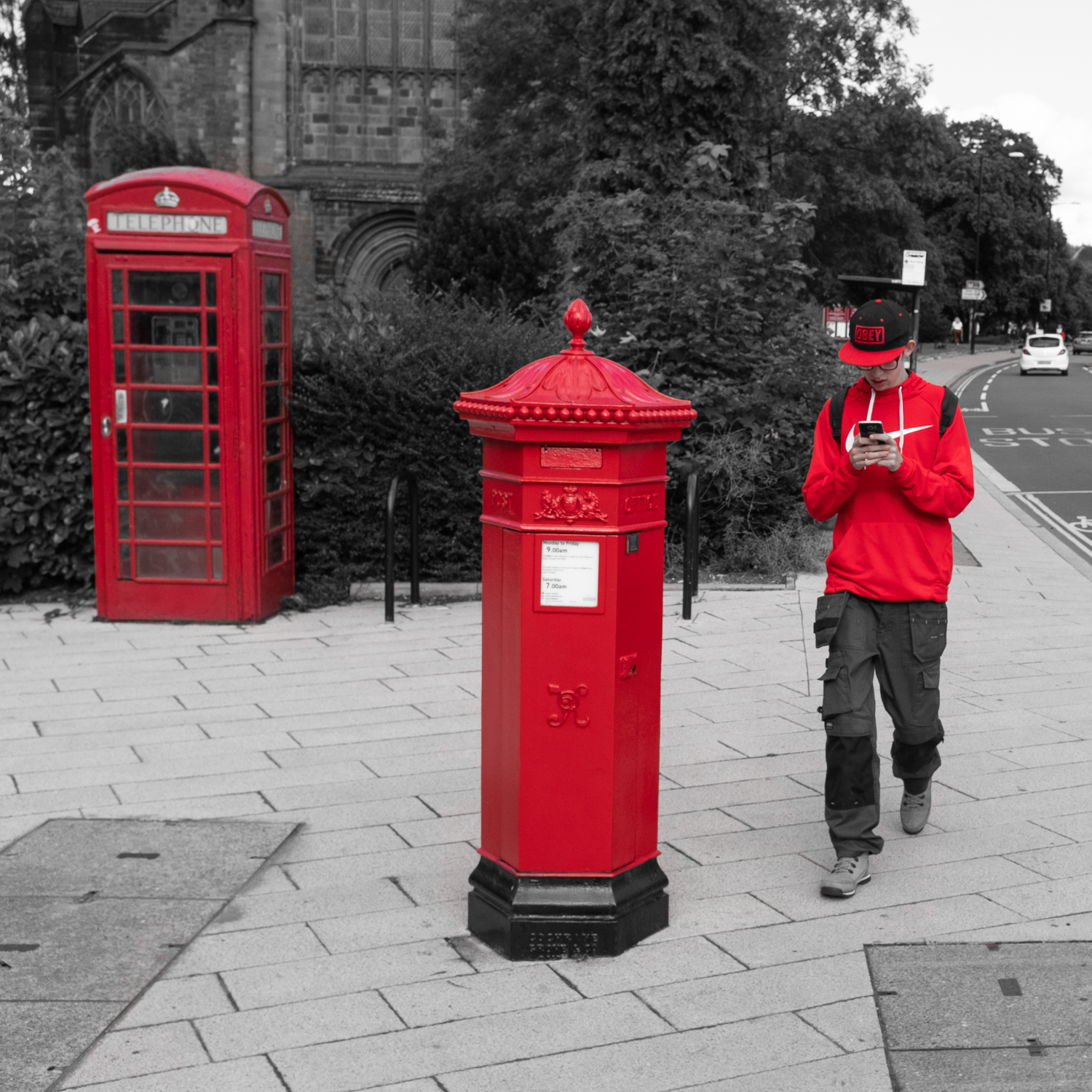
So, rewind, (or is it fast forward?) and I seem to have acquired a very nice, black Fujifilm X100V – yep, that’s right, the latest model with articulating touchscreen, a bigger sensor, and new processor. Expensive, needless to say, but a thing of beauty and function. I love the ‘flippy’ screen, and the ergonomics and functionality are at a new level. It also has a new design 23mm lens which apparently addresses the shortcomings of the original lens. So far, I’m loving it, and will do even more when I get all the menus and shortcuts setup.


A fixed lens and modest form factor make for a different shooting experience, but the results so far are good, so watch this space! Who knows? – I may eventually just be a one camera/one lens photographer…
 No such feature on the
  Life with a Fuji X100 camera