

Time for some love…

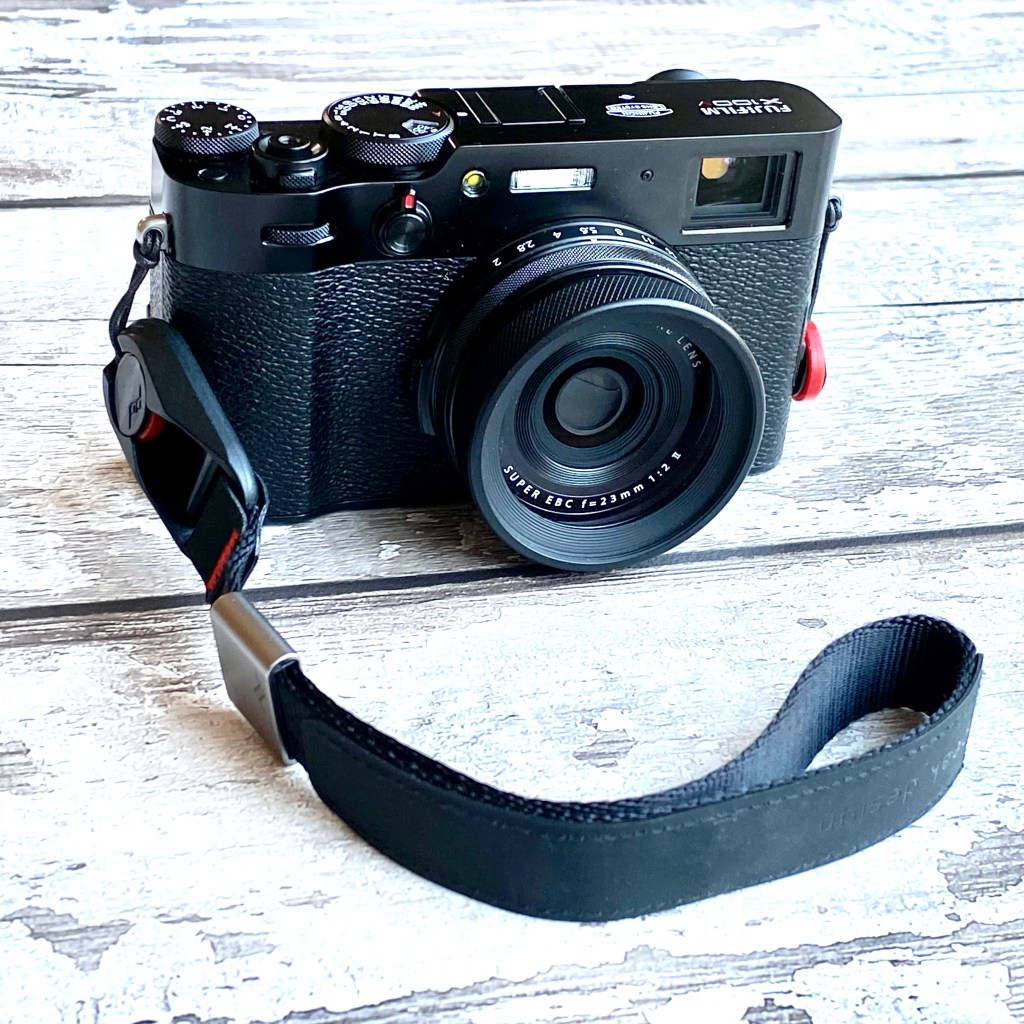
Truth is, I haven’t given my X100V much love lately. I’d had a few instances of camera shake spoiling photos (down to not using a fast enough shutter speed, given my shaky hands..) so ended up using my recently purchased Sony A7C with its image stabilisation and of course full-frame sensor for ‘casual’ photography. Not such a satisfying experience using it, as the ergonomics are no match for a Fujifilm camera. The tiny viewfinder is a pain if you wear glasses, and even with a slim 35 or 40mm prime lens it’s also still a fair bit bigger than an X100V.

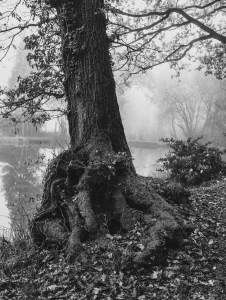
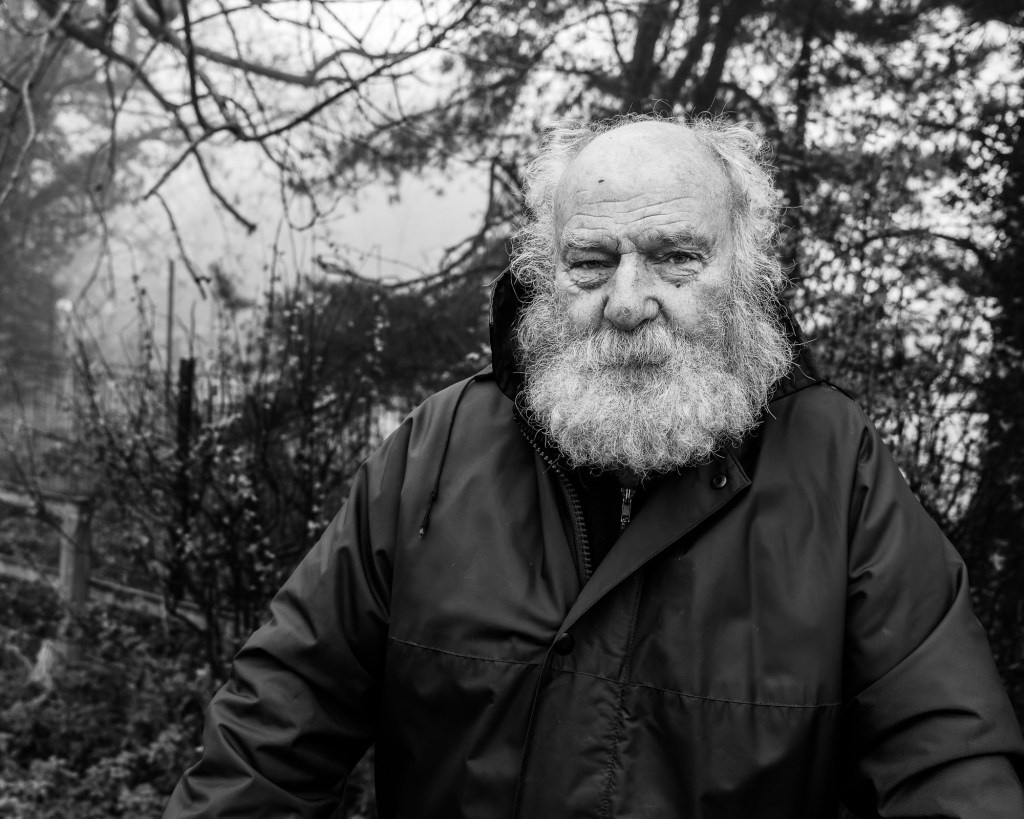
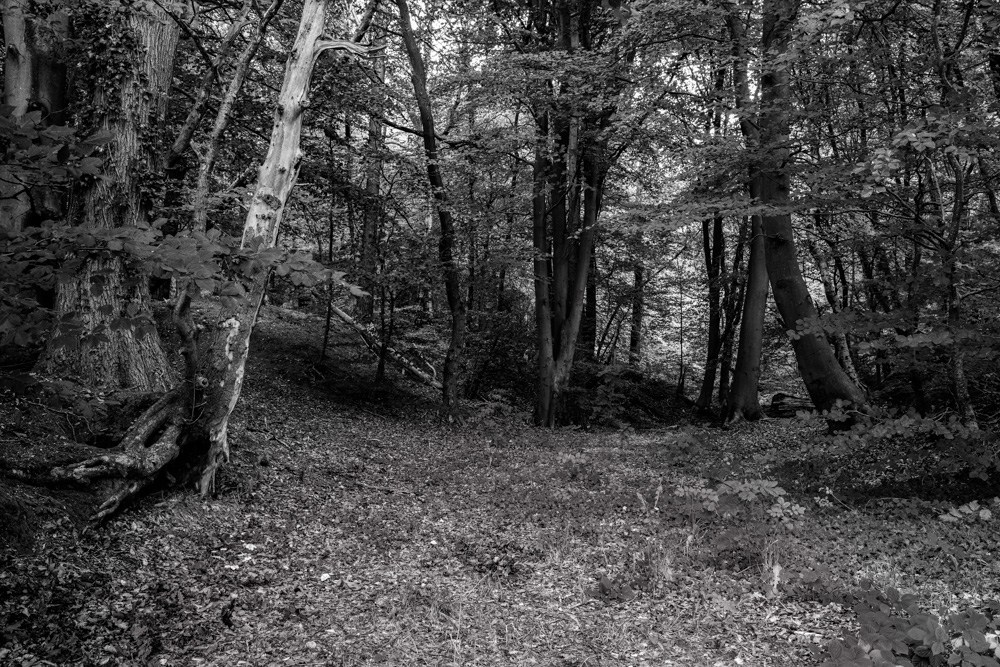
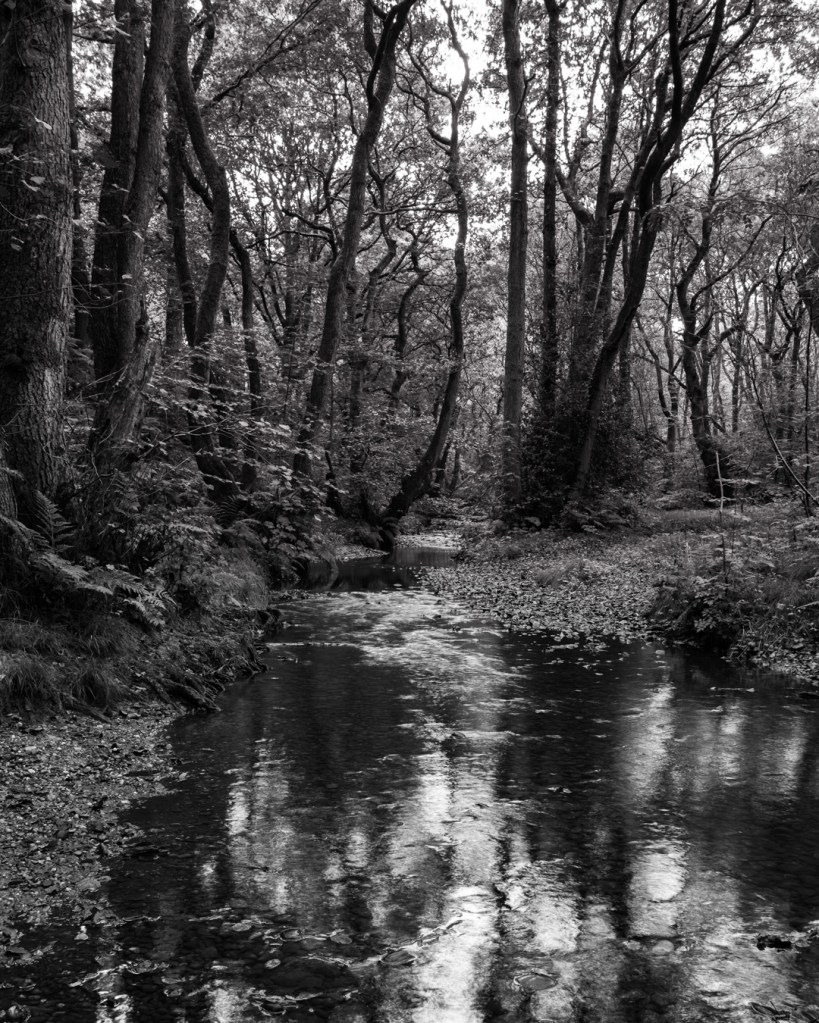
So a misty morning this week seemed like a good opportunity to try and rekindle the connection. I figured that mono would suit the misty conditions, so set the camera up with a mono film simulation, tweaked to give me the high contrast look that Leica cameras are renowned for. Just took the camera, no filters etc and off I went.

The half an hour I planned to spend wandering locally ran to almost two hours, and I took around 35 shots.

Started processing them by loading the JPG simulated files into Lightroom, and have to say I wasnt that keen – they all looked a bit ‘muddy’ and the small amount of grain effect was rather noticeable. Fortunately I always shoot with RAW enabled, and these files, although lacking ‘bite’ were much cleaner. I had recently bought the DxO Pure RAW add-in, so as an experiment processed all the RAWs in that.

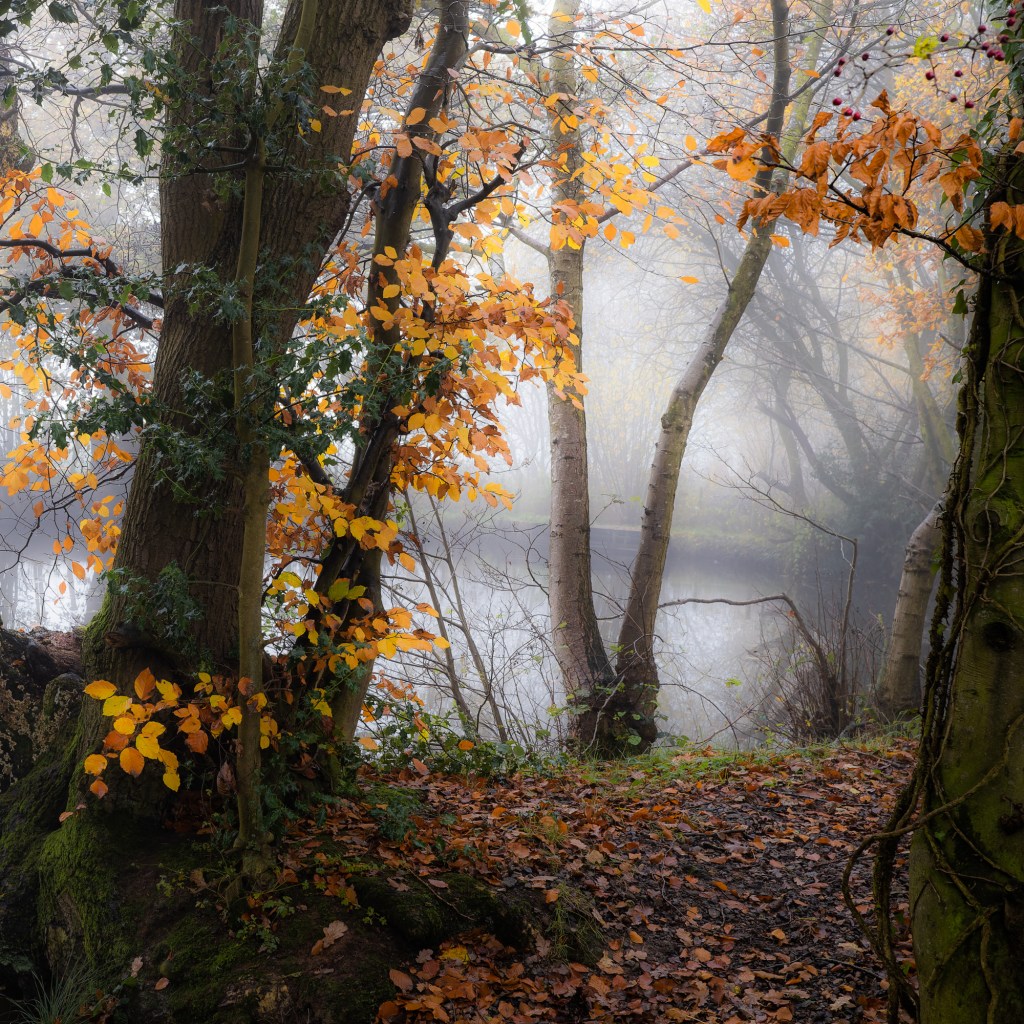
Wow! – what a difference, much brighter, sharper, and cleaner – noise, especially in the higher ISO shots was much better too. So these became my start point, and only a modicum of tweaking was needed, both to the shots I left as mono, and the few that seemed to work better in colour. I’m very happy with the results.

So it leaves me in a quandary – do I still need the A7C for ‘casual’ photography where a 35mm or so lens works for most shots, or is the smaller lighter X100V the way to go? (After all, I’ve also got a Sony A7iv and both zoom and prime lenses where I need flexibility, and that’s a much better option then than the A7C). What are your thoughts on the subject?

Exploring…

Cameras are a bit like computers – they can do so much, but typically we really only know how to do some of what they are capable of. And so it is with the little Fujifilm X100V – I’m still exploring some of the features and frequently get bamboozled by the menus (although I have to say they are more logical than on the Sony A7iii I recently had!)

I learned by chance that the X100V could do focus bracketing (ie taking several photos of a scene focussed at different distances, so they could be combined, or ‘stacked’) so the whole scene was in sharp focus. I’ve done this in the past with limited success, taking the shots individually and moving the focus point manually between shots – all a bit hit and miss (mostly miss!)

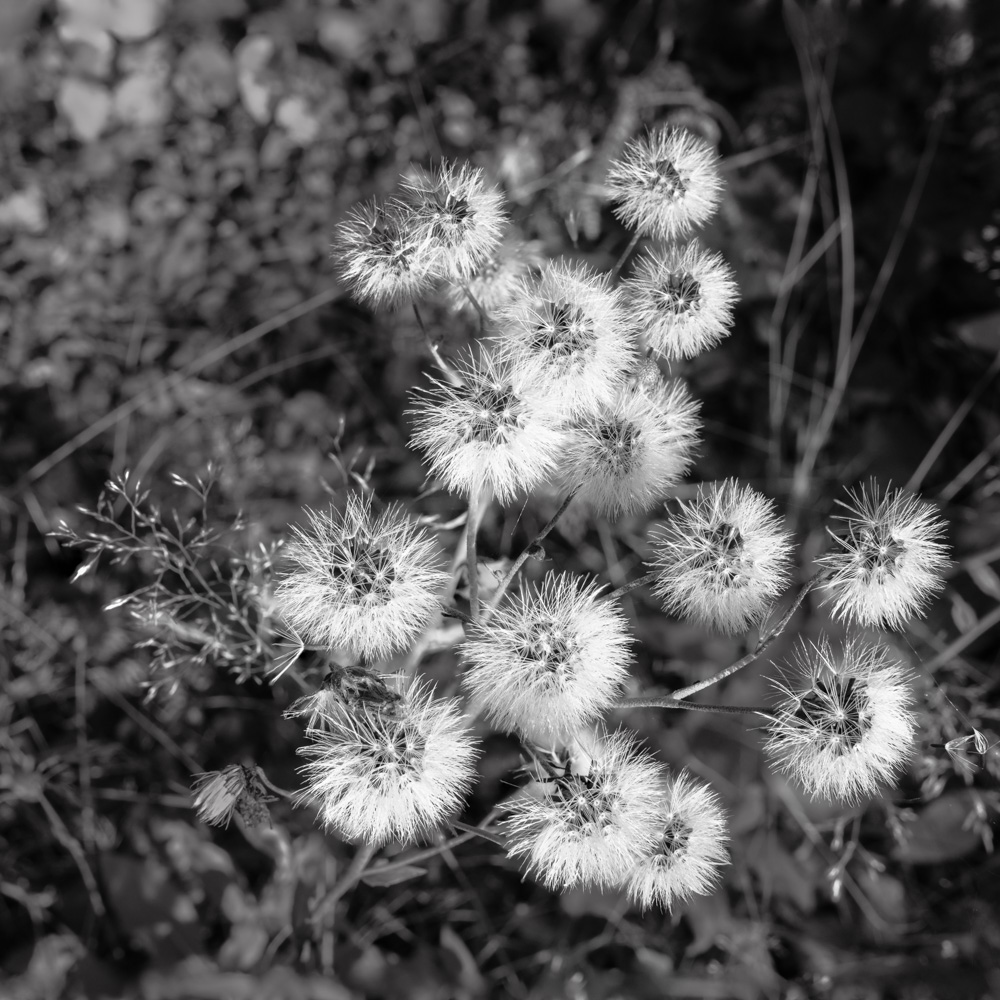
The X100V has the option to automate this process, and my goodness, once you figure it out it’s brilliant. Set the camera drive mode to focus stack, set the close and far focus points on the LCD screen, and away you go… After a couple of attempts where I had the lens wide open at f2 and the camera created a batch of 87 images (!) I figured out that f8 was a safe bet and this yielded a more manageable set of 6-10 images to stack. A quick whiz through Photoshop’s merge mode, and hey presto, a stacked image was back in Lightroom. A pretty decent result, with minimal effort. Works well on landscape shots and relatively close up shots – notice how much of each of these photos is in focus – far more than could be achieved by stopping the lens down.

The other feature I was keen to try was geotagging – ie tagging each image with the location coordinates. I’ve tried it with other cameras in the past, either using a 3rd party app that was a nightmare to use, or the rather unreliable option on my Sony camera.

Once I’d connected the camera to Bluetooth on my iPhone and selected the geotagging option, it was pretty much plain sailing – it just works in the background, and you know it’s working because there’s a tell-tale indicator on the screen. Just have to make sure that Fuji Camera Remote is active on the phone.

So, a pleasant hour or so in Maer Hills Woods exploring, and getting some practice in with these really useful features. What next I wonder?

Alone Again… Naturally

I’ve had my X100V for a couple of years now (and several other X100 series cameras before that) but it ‘s never been my main, or only, camera. For as long as I can remember I’ve had a camera with interchangeable lenses – film in the ‘old’ days, and digital more recently. Always seeking perfection, I gravitated to full frame, and ended up with a significant sized Sony A7iii outfit. A most capable camera, with huge dynamic range, and superb image quality, but I realised that the weight of the camera and it’s rather bulky and heavy lenses and accessories were becoming a real burden to carry – not helped by my advancing years, and dodgy back!

First thoughts were to offload the heavy (but excellent) zoom lenses in favour of 2 to 3 smaller prime lenses so I kept the excellent full-frame image quality of the Sony, but it soon became clear that that wasn’t really going to solve the problem. as it was still quite a weight to carry around with tripod etc.

What also became apparent was that I was falling out of love with photographing landscapes – after all I’ve been doing it for more years than I can remember, and with so many photographers taking good landscapes, it’s increasingly difficult to come up with something ‘new’. Tramping up and down hills with camera and tripod, and getting up at the crack of dawn for sunrises have definitely lost their attraction.

Downs Banks – Fujifilm X100V

So, I really needed a fundamental rethink of what I was going to photograph, and what camera to use. Fair to say that I’ve enjoyed finding ‘quirky’ or different photos of everyday life, and I’ve always been a fan of monochrome, even though I’m not very good at it! I was reminded of the excellent One Year, One Mile, One Lens slideshow by Todd Gipstein. If you haven’t watched it, I certainly recommend it. It’s 10 years old now, and was entirely shot on an original Fujifilm X100 camera – and for me it’s a stark reminder that it’s the photographer who makes the image, not the camera.

Something of a Eureka! moment, crystallised by some wise words from my dear wife… (she’s always right!) So I’ve sold the entire Sony outfit (no point in just putting it in a cupboard as the temptation to revert to it would be too great) and the little X100V is my only camera! It all fits in a small shoulder bag – just a couple of filters and spare batteries etc, and I even have a lightweight tripod that is fine for it if I really feel the need.

More to the point, I’ve decided its going to be mono only, at least for a while, and I’ve set up the camera accordingly. I’m not saying I won’t be taking any ‘outdoorsy’ photos (yesterday I had a little wander in some local woodland) but there will be no more traipsing across hills or along muddy paths at the crack of dawn, or stumbling around in the dark finding my way back to the car!

It’s going to be an interesting journey, and I feel quite liberated, so watch this space!

HDR Photography with the X100F…

DSCF1033DSCF1034DSCF1035

How many times have you taken a photo on a sunny day, only for the subject to be in deep shadow, and the background or sky to be burnt out?  Our eyes have the ability to cope with these huge ranges of brightness, and ‘adjust’ accordingly, but sadly even the best cameras are limited in how much they can handle. Expose for the shadows, and the sky will be burnt out – expose for the sky, and the subject will be too dark… If you are adept with Lightroom or Photoshop you can ’tweak’ the various bits of your image, but the effect is limited and often not sufficient to fix an image.

These three photos illustrate the problem – the foreground in the top photo is too dark; the sky in the bottom photo is too light; the middle shot has the best brightness range, but the sky is still a bit light and the foreground clearly too dark and the image lacks ‘punch’.

Graduated filters that fit on the front of your camera lens and just darken one area of the image are one way to control the brightness of the sky. However, filters are expensive,  it’s all a bit of a faff to get them lines up, and don’t work very well if you don’t have a clear and straightish line between dark and light parts of your image. If a building is sticking up into the part of the sky you are trying to darken with the filter, then the building too will be darkened and won’t come out well.

Enter the magic of HDR (or High Dynamic Range). The trick is to take several shots, varying the exposure so you record detail in the lightest and darkest areas of the image, and then combine them so all parts of the photo are properly exposed and all the detail in the image is visible. Most modern cameras and smartphones have an HDR facility built-in, so it’s all done automatically for you, but the results aren’t always that good, and you generally don’t have any control over the process.
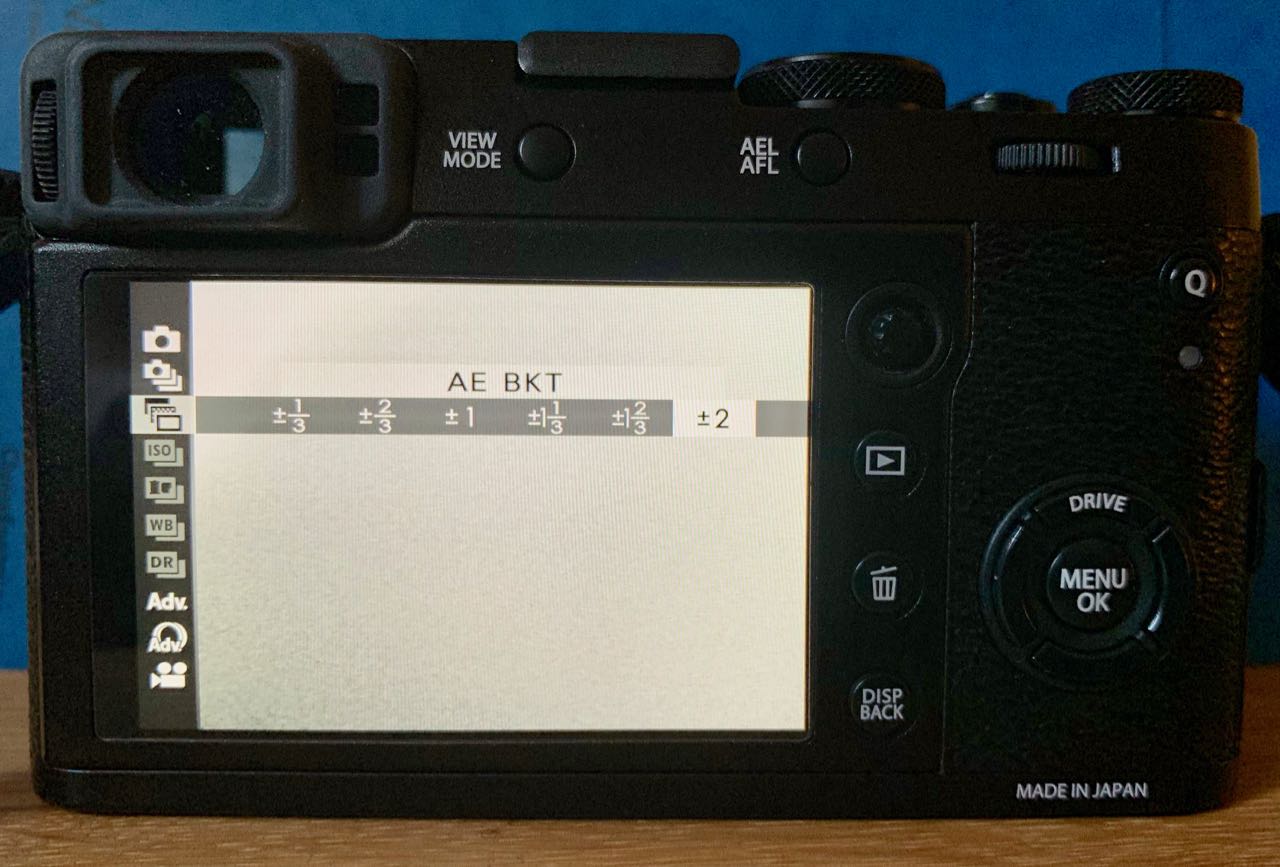
IMG_2806It’s easy enough to do with your camera though, and potentially gives much better results… Start by setting your camera to ‘exposure bracketing mode’  and set the number of exposures and the difference between them.  The X100F is limited to just 3 shots, within a range of + or – 1/3rd to 2 stops, whereas my other camera (a Sony A7iii) can take up to 11 shots, not that you really need that many…  Then take your 3 photos, keeping the camera as steady as possible – the merge process can compensate for small movements between shots anyway, but keeping the camera still helps. It’s also always worth shooting RAW rather than JPG images as there will be more scope for later adjustments. If you look across the set of three (or more) images you have taken you should be able to see detail in the lightest and darkest areas. If not, then try again, altering the overall exposure compensation up or down a bit.
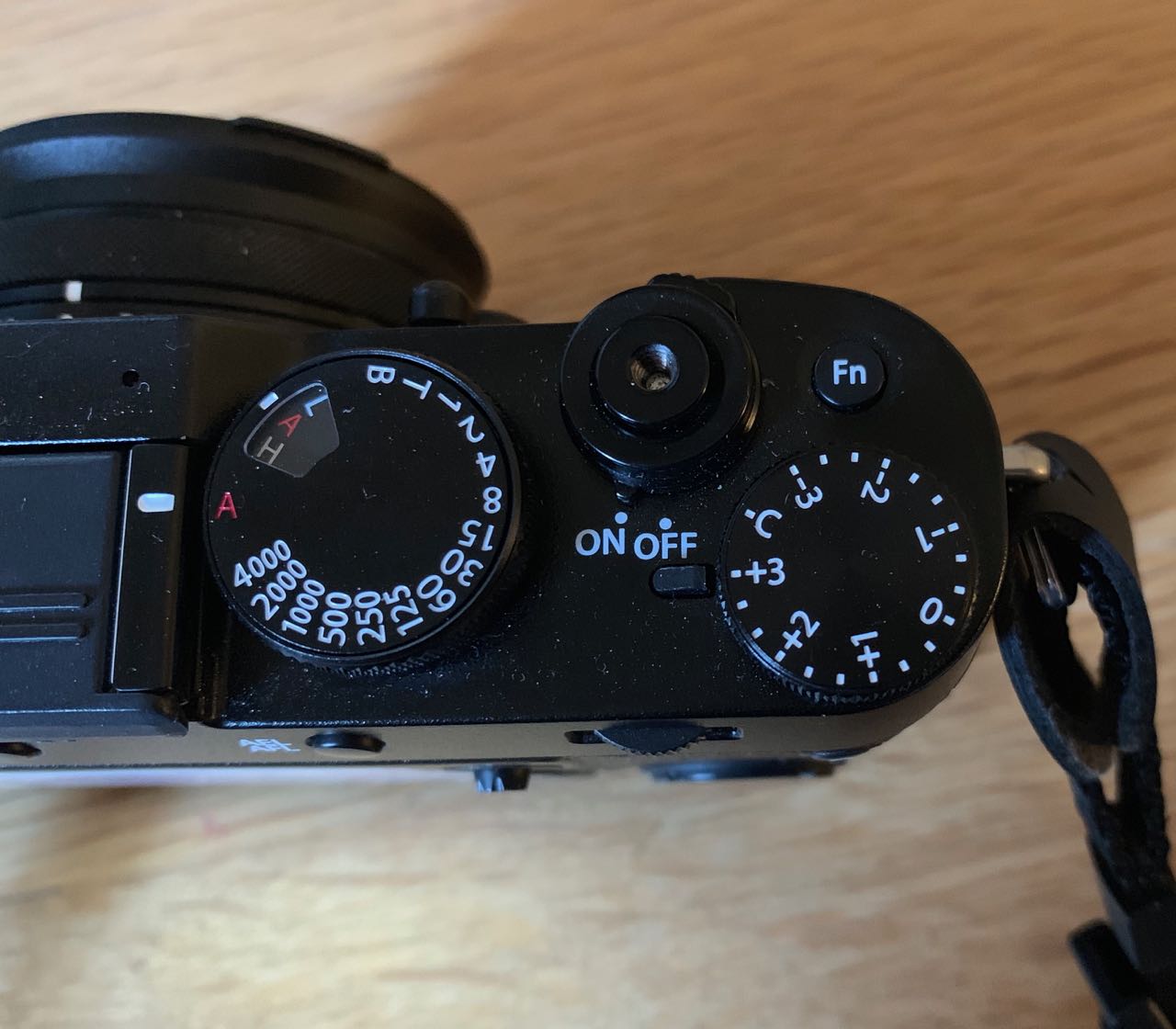
IMG_2805(If you really feel you need more than 3 shots with the X100F, there is a workaround – set the camera as above and take your first three shots, then turn the compensation dial to say, -3 and shoot again, then repeat using +3 – that way you end up with a series of 9 shots covering a wider exposure range. Keep the camera still during this whole process, so it really does mean using a tripod… Then choose maybe 5 or 7 shots that cover the range of exposures from darkest to lightest. Remember that with the X100F you can change exposure compensation by up to +5 and -5 by using the front wheel.)
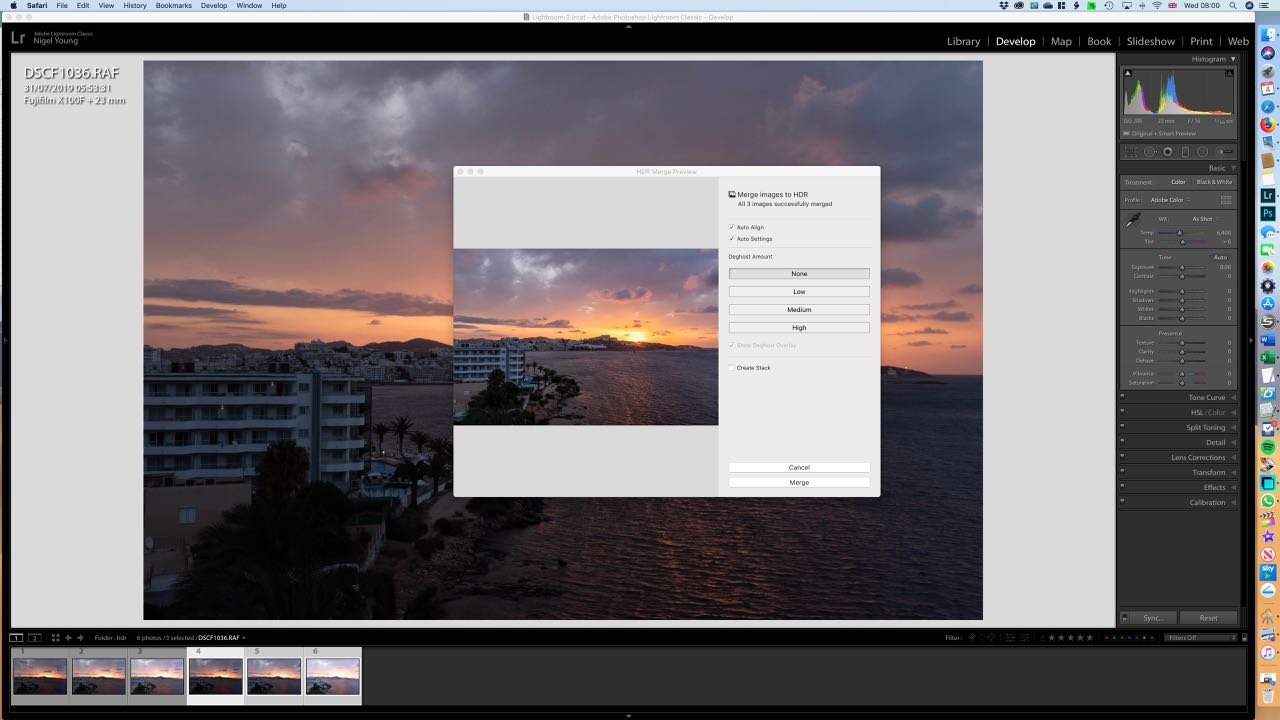
Screenshot 2019-09-04 at 08.00.45 (1)Then import your photos for editing (I always use Lightroom, but there is other software that will do HDR merging). Then select your set of images and right click, select Photo Merge, than HDR. It’ll take a few seconds to create a preview depending on how fast your computer is, and how many photos you are merging. Adjust the options for auto aligning images and adjusting deghosting if necessary and then click ‘merge’ and Lightroom will, in a few seconds, add the new merged image to your filmstrip.

DSCF1033-HDR

Finished HDR image

The resulting image should capture the widest possible range of tones, and you can make any further minor adjustments in the usual way.

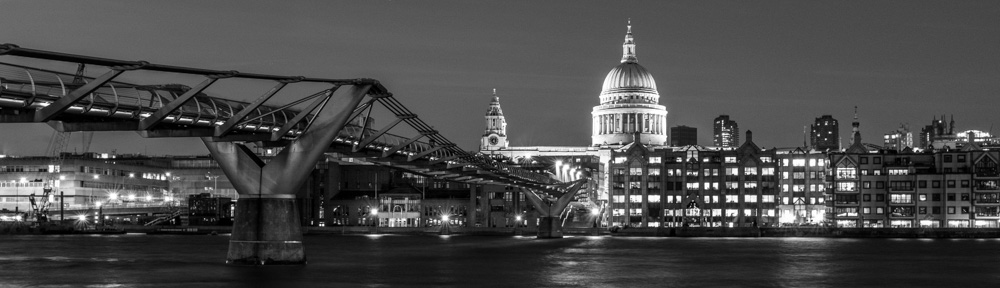
It’s a great way to deal with subjects that would otherwise not turn out well because of the brightness range.  It works well on bright sunny days when shadows are really pronounced, and also night time shots, although here of course you’ll definitely need a tripod.

Give it a try – it’s easier than it sounds!
Partial Colour Images…

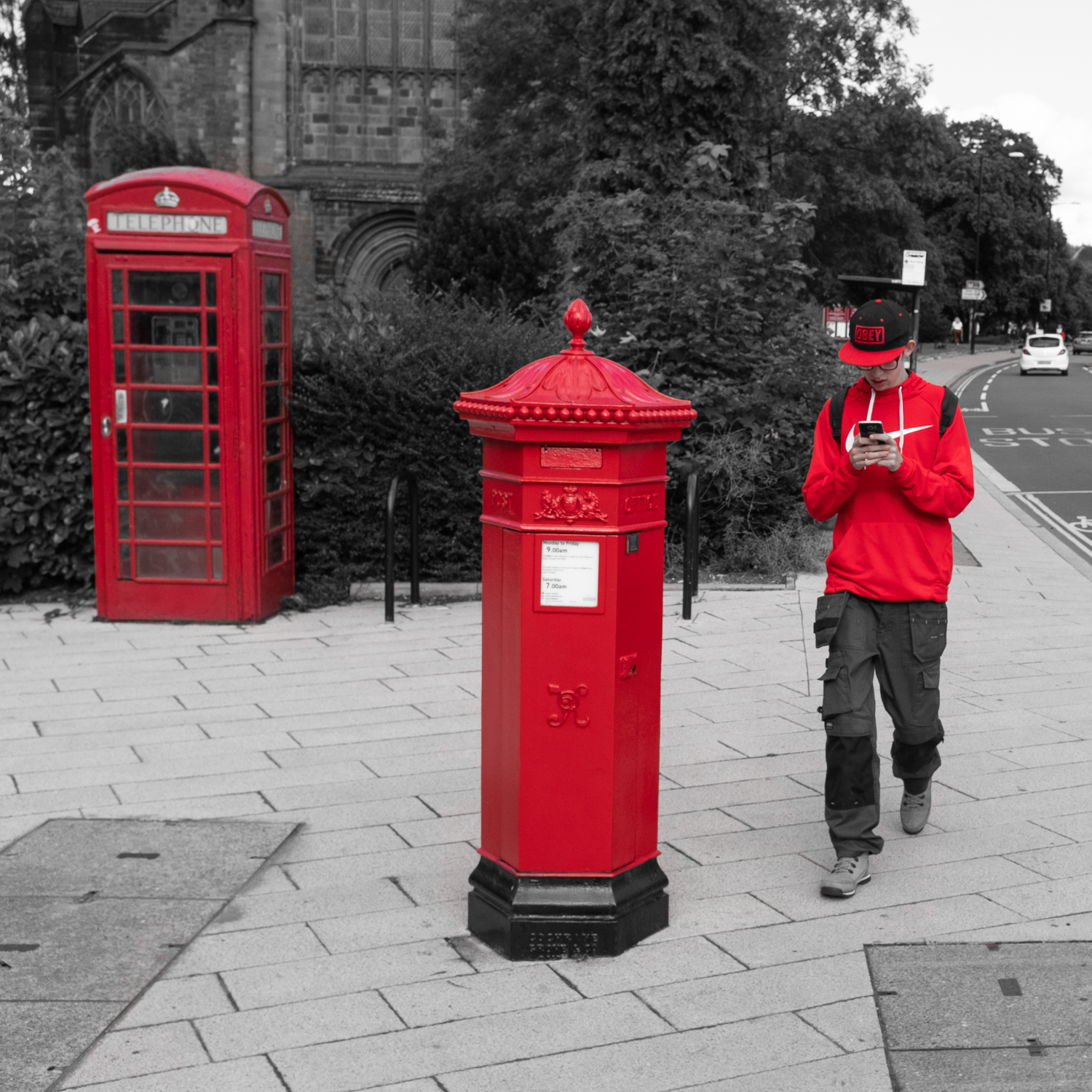
Standing near Shrewsbury Abbey last week to take a photo of the Victorian letterbox, I spotted a guy walking towards me with a red jacket and cap, and I could see that his red outfit, the red letterbox and the nearby red phone box could make a good photo. I literally only had a second as he walked past, but fortunately the camera was set to f8 and auto-everything – my default settings when wandering around – and I just got one shot off, and it was in focus!

Nice enough in full colour, (I was shooting Acros mono, but always take a RAW shot as well) I figured it could look good in partial colour, ie all mono, other than the red elements.  Cameras I have had in the past can be set to partial colour, but then it’s a conscious choice when shooting, and not something you can instantly set so I‘ve really only used it a few times in the past.

100F1223No such feature on the Fuji X100F, but fortunately it’s so easy to do in Lightroom. Taking the RAW image, I first cropped it to square as that suited the alignment of the three red elements.  Then I increased the saturation of the red colours by +30 using the slider in the HSL/Color panel, and moved all the other colours to -100, pretty much removing all the colour except red from the image.  There were just a few odd little areas where I could still see some hint of colour, so used the adjustment brush with saturation set to -100 to tidy it up, and a nudge of the texture slider to increase the sharpness and contrast a touch.

And there you have it – partial colour in just a few seconds!

Infrared with an X100 Camera…

Infrared in the days of film photography was a pretty complicated affair – the film was expensive and difficult to shoot and process, yet the results could be stunning – skies rendered almost black, and foliage almost white, all with that infrared ‘glow’.

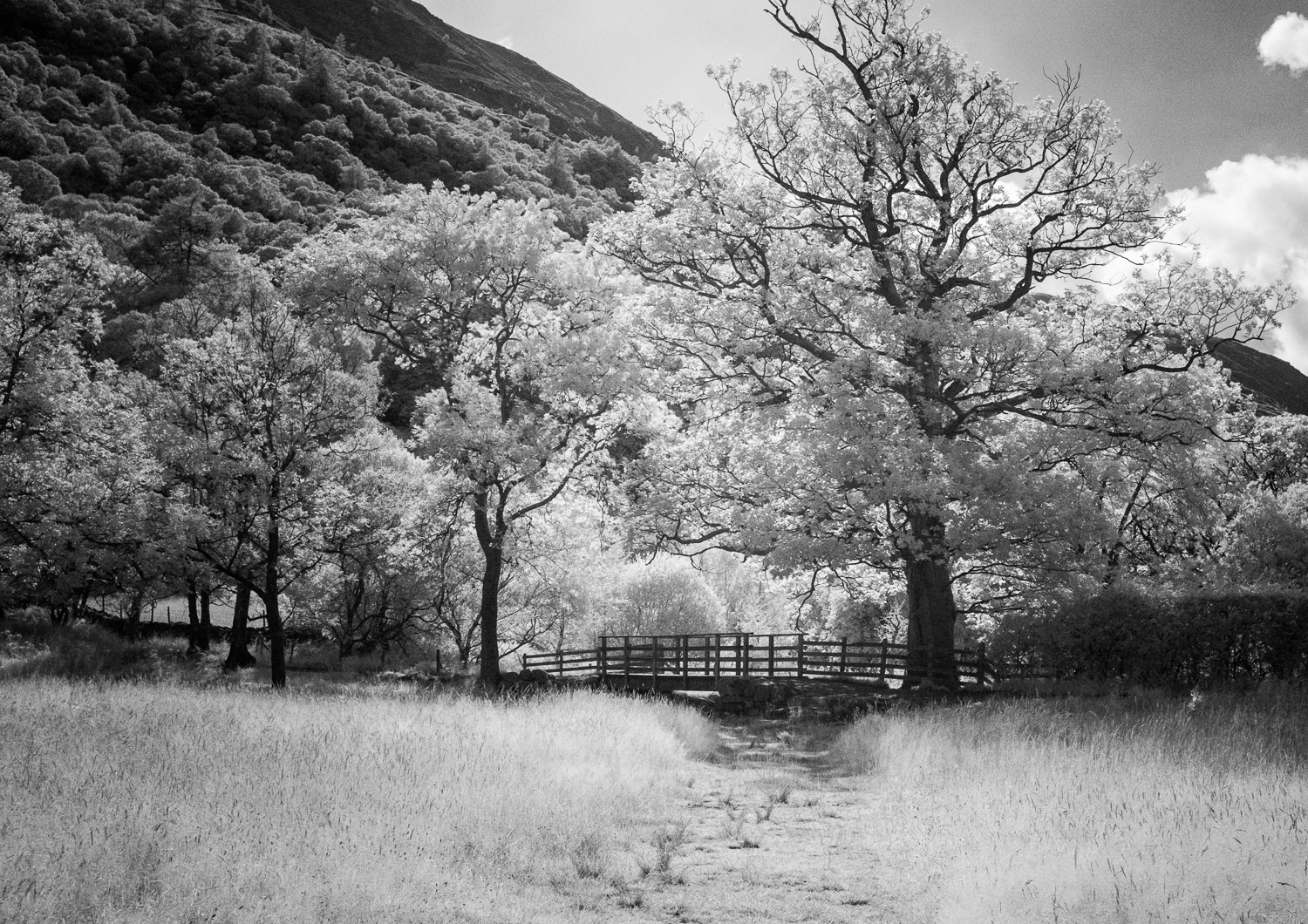
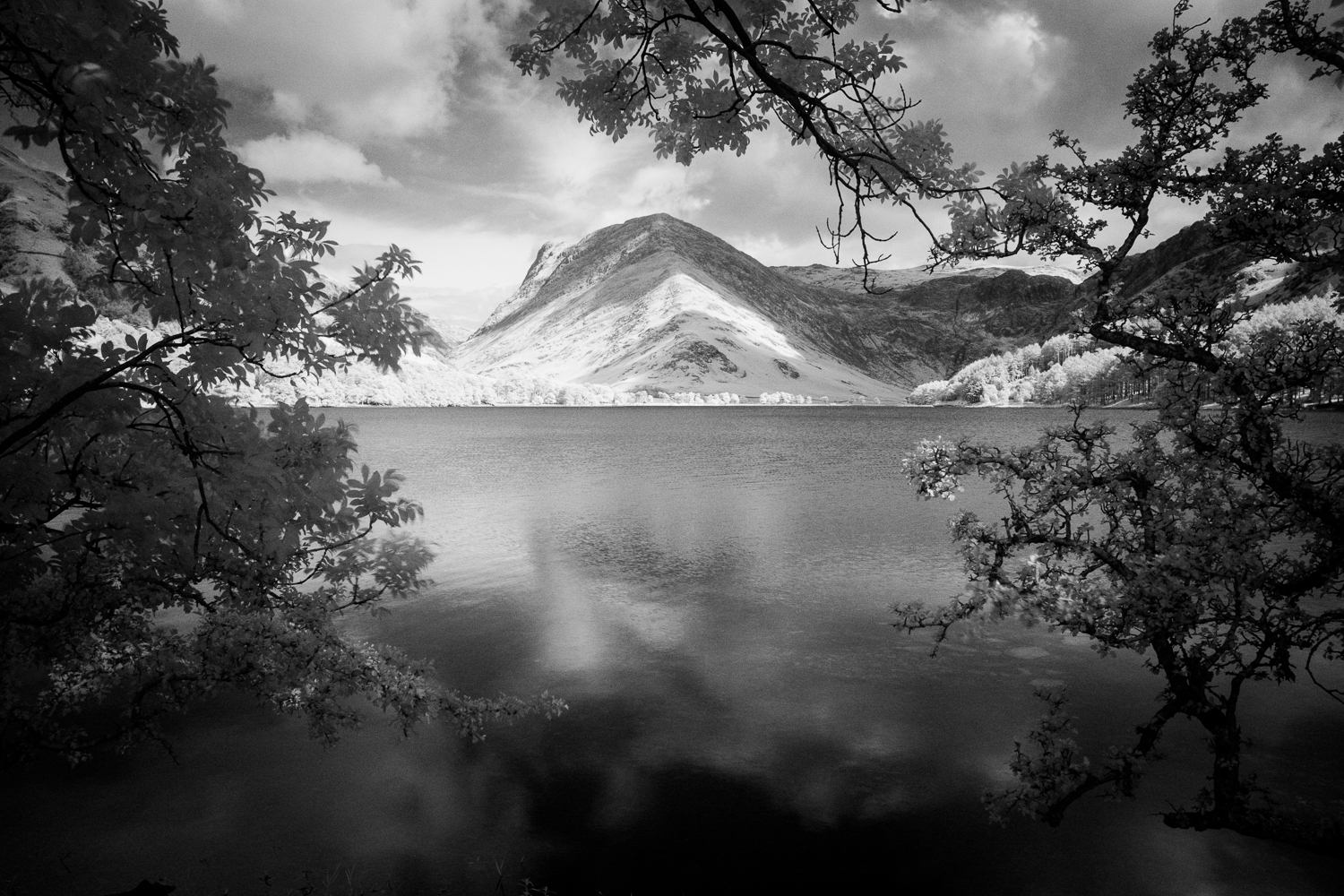
DX140720-40Using Lightroom or Photoshop you can ‘tweak’ regular digital images to give a kind of faux infrared effect, but it’s not completely convincing. You get a much better result by using a digital camera that has been converted so it just records infrared light. This is done by removing the ‘hot’ mirror that sits in front of the sensor and blocks the infrared part of the spectrum, and then adding a filter to block all or part of the visible light spectrum. This filter can be fitted directly in front of the sensor, or as a normal lens filter, and you can choose one that still gives a colour infrared image, or just monochrome (my favourite).  Bear in mind that camera lenses are not designed to be used for infrared and many exhibit strange effects like multiple reflections or ‘hot spots’ where the centre of the image is much brighter than the rest.  All in all, it’s a pretty tricky business and expensive too…

However, some cameras, and the X100 is one of those, still have a reasonable sensitivity to infrared and you can get decent enough infrared photos using nothing more than a filter over the lens. Here’s how it’s done:

DX140720-39Start point is to get a 49mm R72 infrared filter (you’ll need the filter adapter for the X100 if you don’t already have it.) I used the Hoya R72 filter, but there are cheaper ones about which seem to work too. R72 means that it will filter out all light with a wavelength less than 720nm – which is most of the visible spectrum, so the filter appears black to look at. There’s now so little light coming through the filter (it’s worse than a 10 stop regular ND filter!) that you’ll have to bump the ISO up on the camera, probably to around 3200 or so, and still need a long exposure of several seconds, so it really needs a tripod too.  There’s a lot more infrared light around on sunny days, and the technique works particularly well on green foliage so it’s a summer’s day job really…
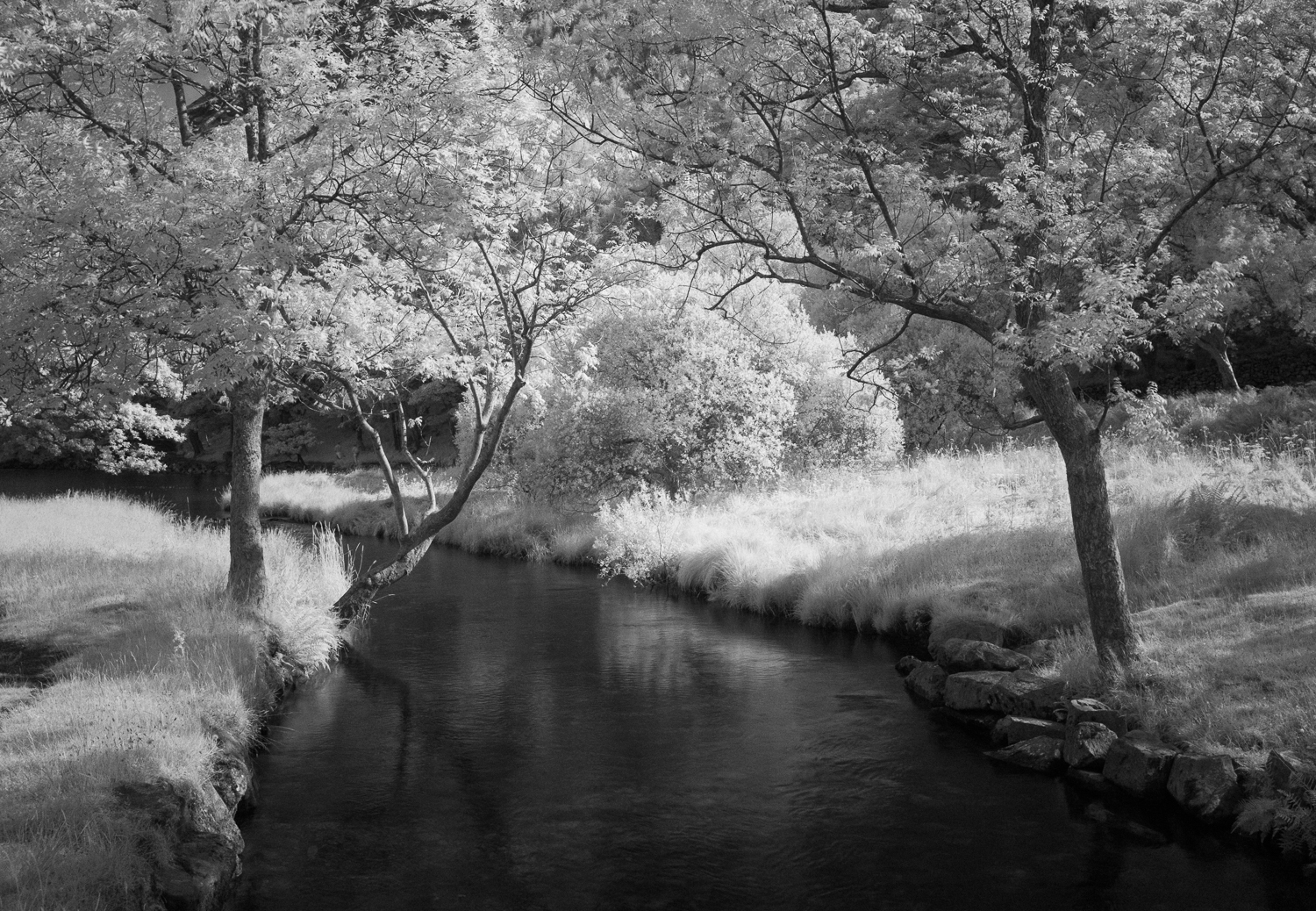
DX140720-43It’s a good idea to adjust the white balance on the camera too, and rather than use a white card, just point the camera at a patch of grass or similar when setting it (p67 in the X100F manual if you’re unsure how to set custom white balance.) Remember to revert to auto white balance when you’ve finished shooting infrared!

Now it’s just a question of setting the camera to around f8, focussing and shooting. Depending on how bright it is, the camera may struggle to autofocus, so it’s trial and error with manual focus, and because the viewfinder image will be dim, you can use the optical viewfinder for composing.

You’ll get a pinky-red image (I always use the RAW image as a start point for processing) but convert it to mono and there it is! The BW 02 mono preset in Lightroom is a good start and you can adjust it from there to get the effect you want.

It’s not perfect infrared, but a jolly sight less expensive that having a camera converted!

(All images shot at Buttermere, on a Fujifilm X100S camera with Hoya R72 filter)